A job, from the first call to the invoice
Eight stages. On the left, what your team does in Mizo; on the right, what the customer sees in their portal at that moment, without having to ring the office.
The work arrives
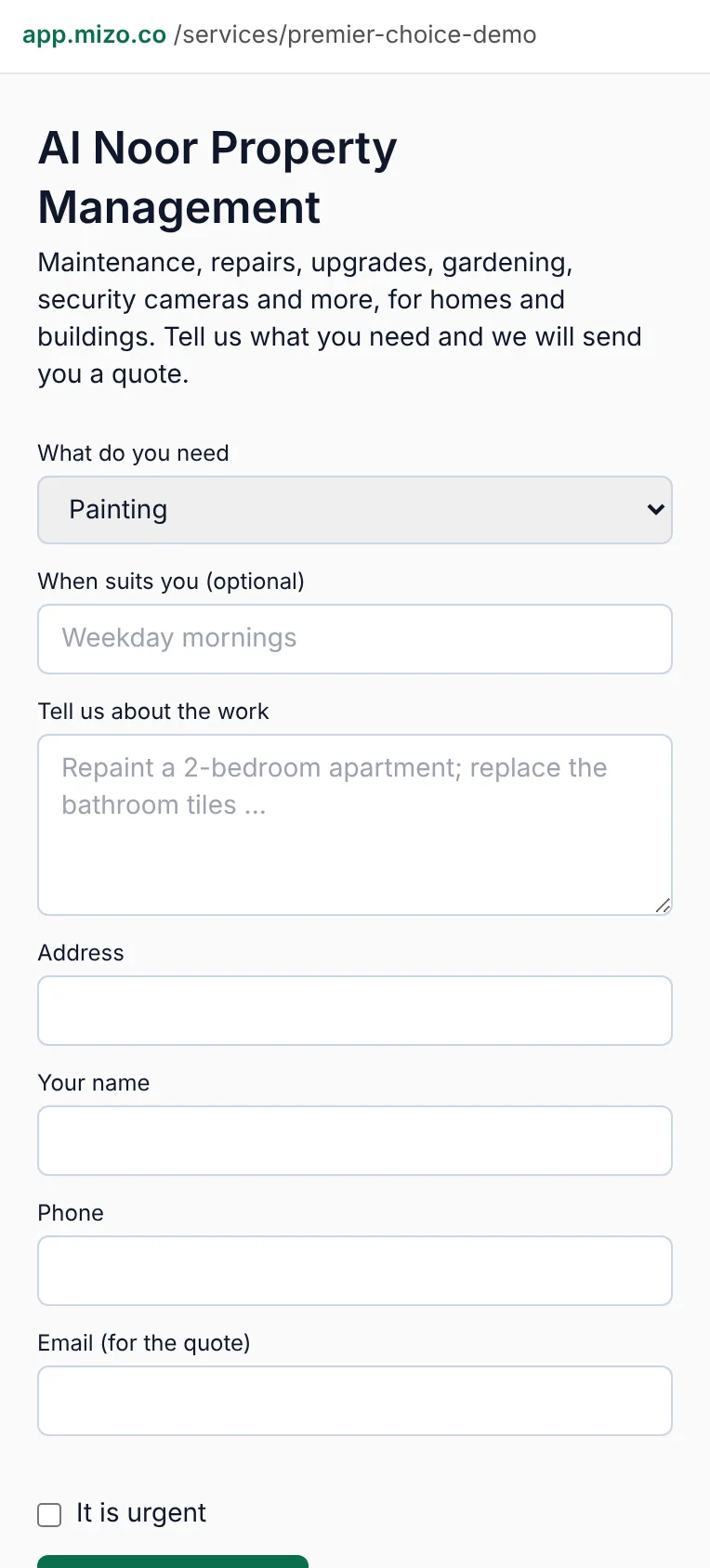
A customer phones, messages, asks in their portal or fills in your own request page. A maintenance contract raises its own visit, and a complaint raises the job that fixes it. Whichever way it came in, it lands in one list with a reference like JB-00022.
Your team does
- Raise it in Service jobs, or it arrives by itself
- Customer, address, trade, priority — and who pays
- Urgent work is flagged the moment it is logged
The customer sees
- Asked for the work from their phone, with photos
- Sees it listed as Requested
Price it, line by line
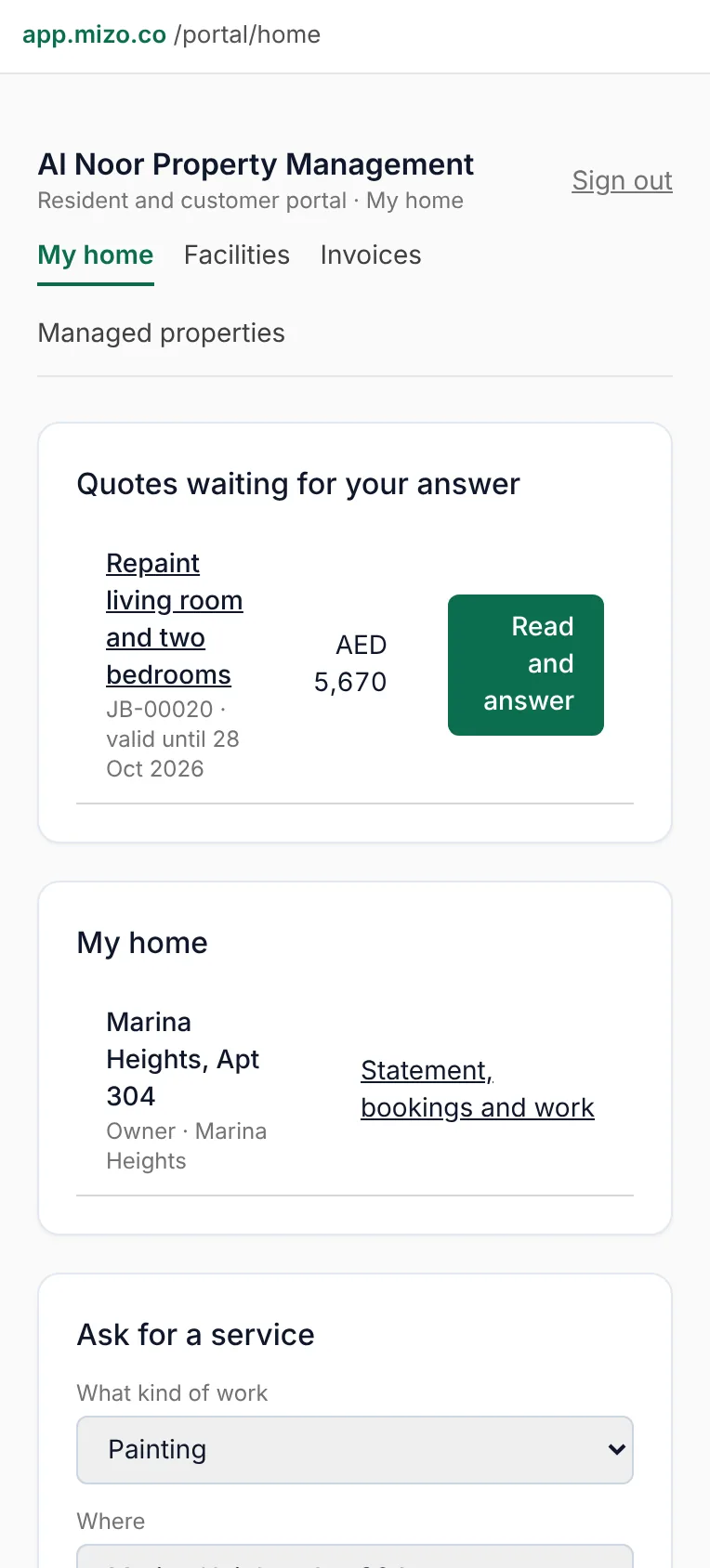
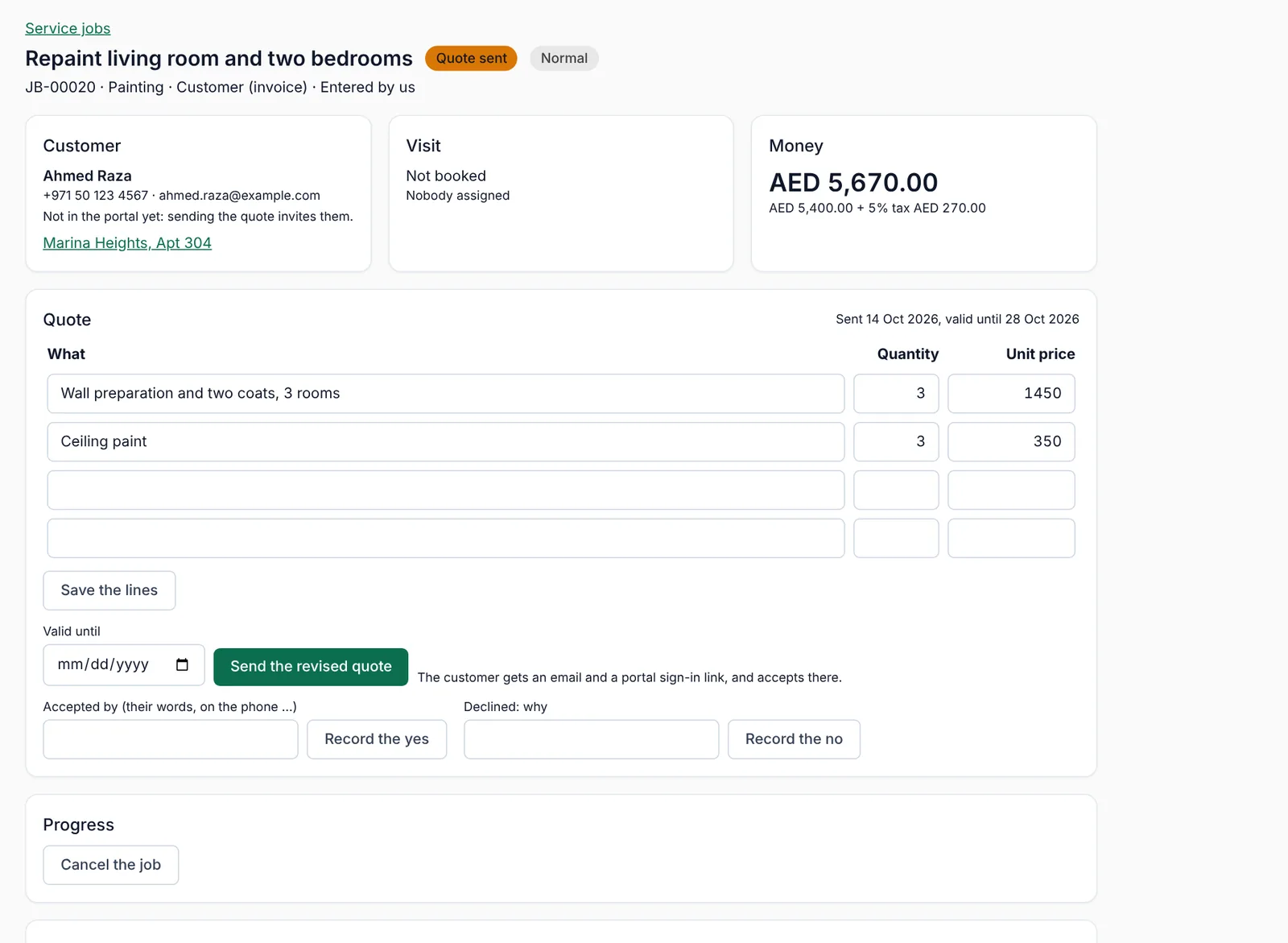
Price the work in lines — what, how many, unit price — and tax comes from your settings. Sending the quote e-mails the customer the total and a sign-in link to their portal.
Your team does
- Lines, tax, and a valid-until date
- Send the quote; the customer is invited to the portal
- Revise and re-send as often as you need
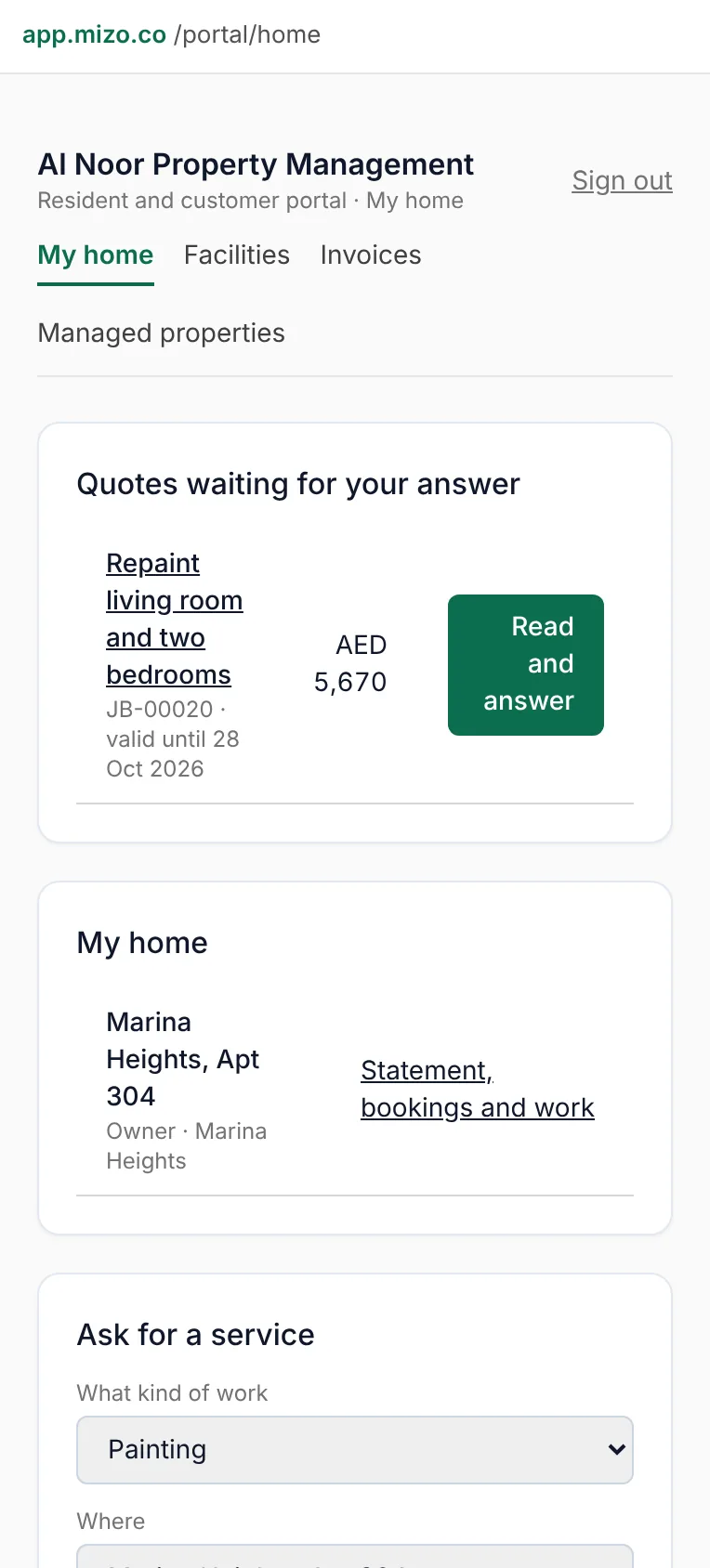
The customer sees
- Reads the quote on their phone
- Sees exactly what each line costs
They answer, and it is on record
The customer accepts or declines in the portal. If they answer on the phone instead, you record their words against the job, so there is no argument later. A quote past its valid-until date cannot be accepted — send a revised one.
Your team does
- Accepted in the portal, or recorded by you
- A declined quote keeps the reason
- Accepted jobs move straight to scheduling
The customer sees
- One button: accept or decline
- Gets the confirmation in writing
Book the visit and the person
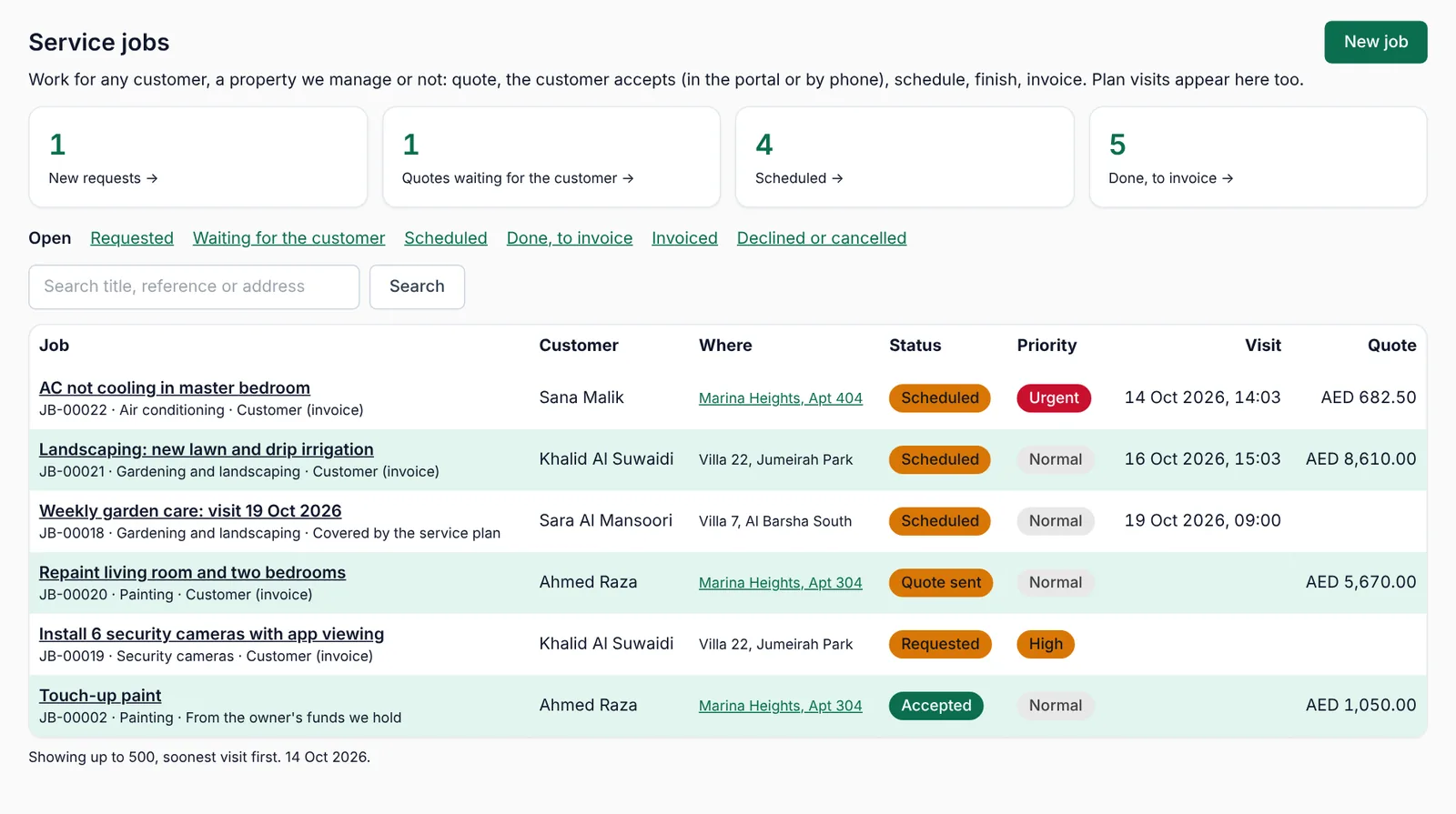
Set the date and time, and say who is going: your own technician by name, or a contractor from your contacts. The job joins today's list on the Service jobs screen and on the calendar.
Your team does
- Date, time, technician or contractor
- Today's visits are one click from the dashboard
- Moving a visit keeps the history
The customer sees
- Sees when you are coming
- Gets the message if you switch it on
Do the work, record what happened
Mark the job started when the technician arrives and done when the work is finished, with what was actually done and the before-and-after photos. That text is what the customer reads, and what you will read in a year.
Your team does
- Started, then Done with a resolution
- Photos and documents on the job
- Parts and extra work go on the job, not in a notebook
The customer sees
- Watches the status change
- Sees the photos and what was done
Bill it the way it was agreed
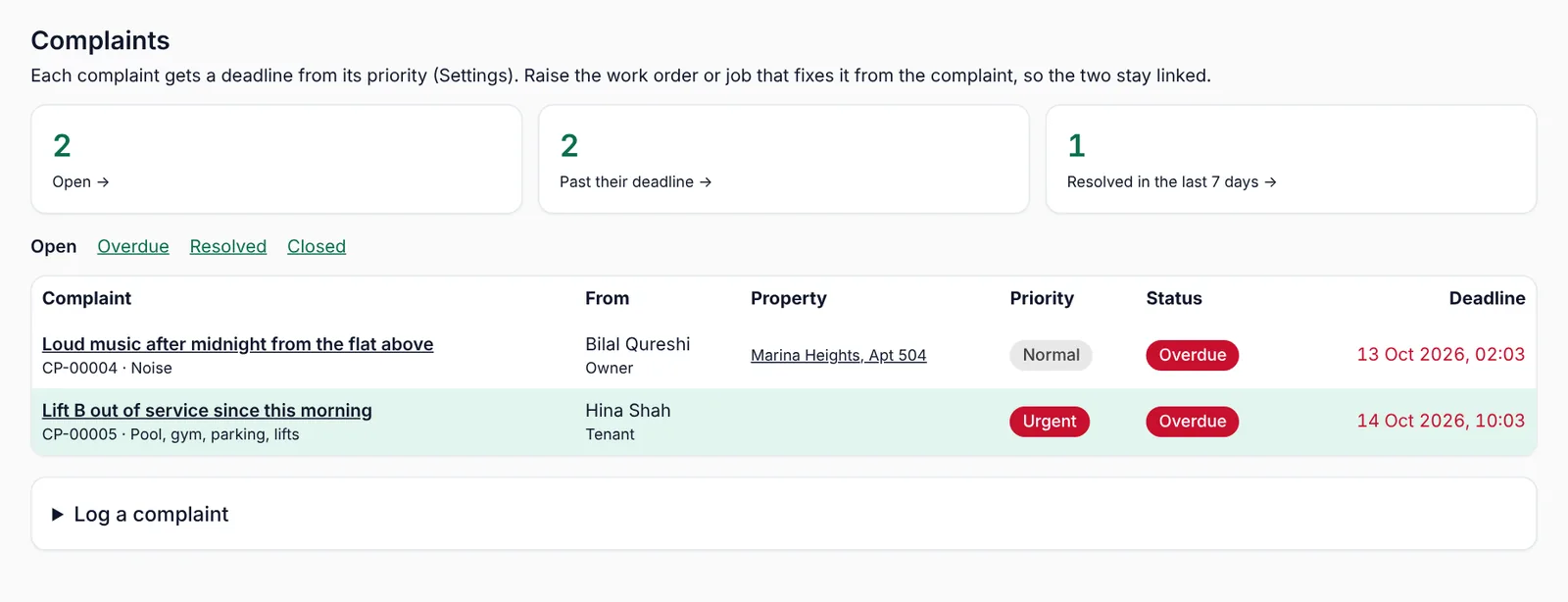
How the job is paid was decided when it was created: invoice the customer, take it from the owner's money you hold, cover it under their maintenance contract, or carry it yourself. Invoicing a finished job makes a draft invoice in Invoicing for your accounts to check and send.
Your team does
- Invoice the customer from the job
- Or take it from the owner's funds
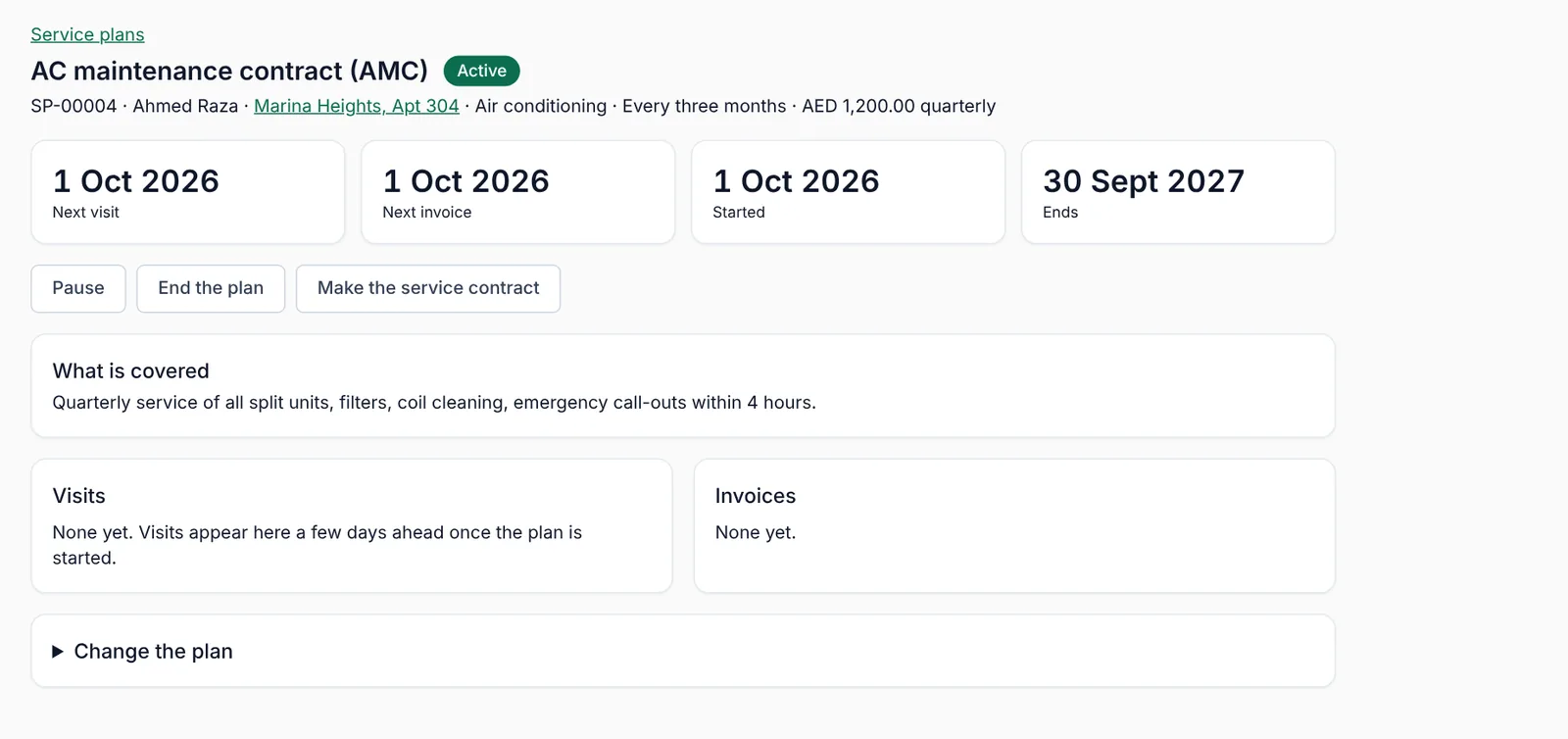
- Or leave it to the plan's own billing cycle
The customer sees
- Gets the invoice in the portal
- Pays it the same way as any Mizo invoice
The money reaches your accounts
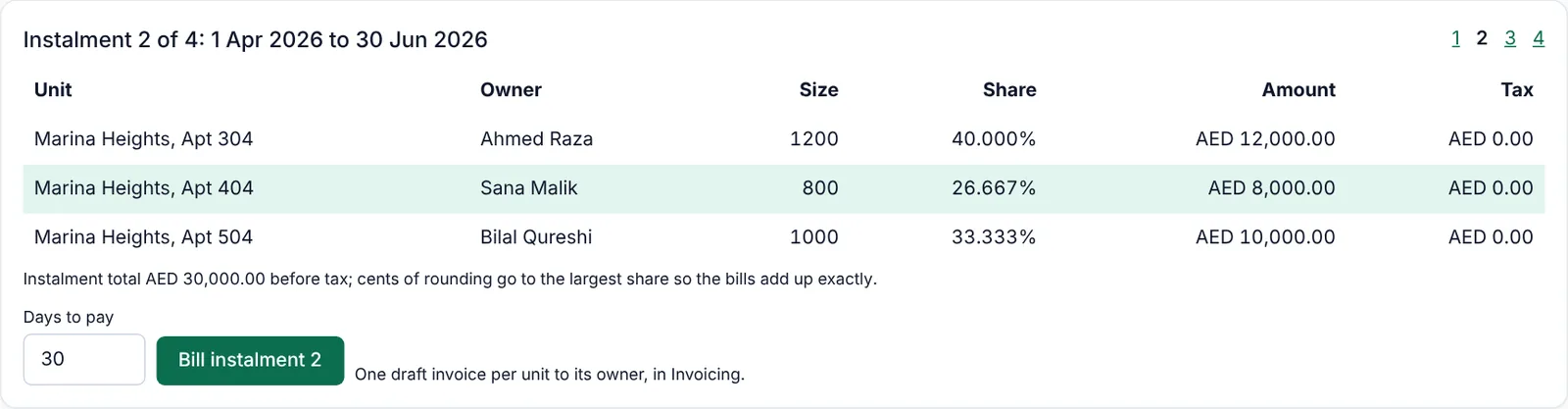
Payment is recorded in Payments and the books follow — no re-typing, no second system. Work paid from an owner's funds shows on that owner's statement instead.
Your team does
- Paid in Payments like any invoice
- Owner's money kept as a running account
- The month can be sent to your accountant in one entry
The customer sees
- Receipt and history in the portal
- Owners get their monthly statement
It stays with the property
The finished job, its photos, the resolution and the invoice stay against the property, the building and the customer. Next time somebody asks what was done to that wall, the answer takes five seconds.
Your team does
- History per property, building and customer
- Documents and photos kept together
- Performance by property, month by month
The customer sees
- Their whole history in one place
- Nothing to ask the office for